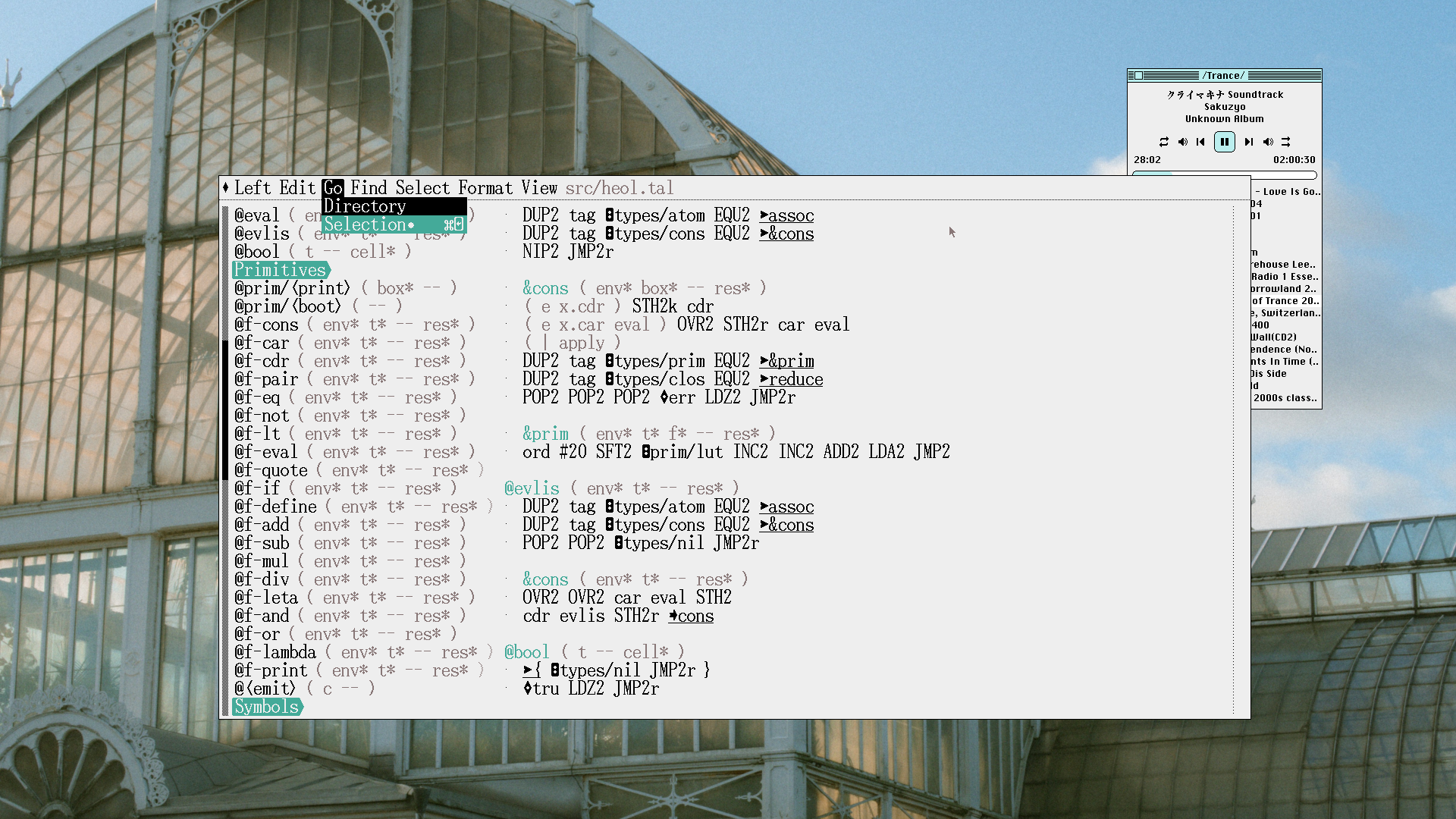
Good old style editor that is a native app, not an electron app. All the features that you might want and more, but simple and efficient.
And the most important for me, super snappy. I can't bear the latency that you get for typing code when using things like vscode. I don't know how people can appreciate that.
Fun fact but Asahi Linux creator uses kate :)
I have not had any other significant problems for some years - not since KDE4. I do not use SMB but everything else works fine and KDE is my daily driver.
Sometimes I have the image copied but it doesn't paste in the browser. However it can be pasted to GIMP. If I paste it there and copy it from GIMP then I can paste it to the browser.
So who's fault is that? Spectacle's or browser's? Maybe wayland's?
* nodejs specifically, but it wouldn't be ok no matter what the software was. It's my computer, not yours, don't download and run stuff without getting permission.
I wouldn't bother using it for Web things like HTML, Js, CSS, because it simply isn't better at that than VSCode. Same goes for C# -- as a Microslop technology, you're better off using Microslop tooling.
For coding, I'm still stuck with VSCode and nvim.
But I always noticed this latency for everyone I ever saw using vscode or computer that I tried.
To be clear, you might easily not notice it if you are used to that and don't know better. And it is consistent with most electron based apps or editors. But there is a very subtile latency between the time you hit the key in the keyboard and the time that it appears on screen. Basically you are typing letters a little bit in advance. With Kate it is like with a basic text edit, characters appears instantly.
The effect is the same when you type anything in web browsers. In form, editor or whatever.
Kate has a decent file browser for hierarchy and it'll stay in place and not return to a weird default path when you close it. And as you said, very fast to open and use.
For one off Notepad like things I like Mousepad especially because it has the Notepad++ feature of being able to save a session without asking you whether it should. Featherpad is also nice for this kind of use.
In addition while kate has many plugins, like the one that allows running arbitrary command line utilities with std input the current selection, I would like to point you at something else in case you write / debug SQLs.
Kate has a SQL plugin that allows to send the current selection to the connected SQL server for execution. It displays the output in table form below the editor pane and you can copy paste rows or columns.
That allows to organize your SQLs in markdown files. That was such a productivity booster for me that simply there are no words to describe the difference felt.
Syntax coloring, fast buffering and even a screen saver.
You could even call the compiler directly from it.
All this running on a pentium 120 and it felt a thousands times faster than today's vscode.
But vscode can edit multiple files at the same time...
I still have the marketing page copy from 2002:
    <UL>
      <LI>Unlimited fully customizable template files</LI>
      <LI>Fully customizable syntax highlighting</LI>
      <LI>Very customizable user interface</LI>
      <LI>Color coded printing (optional)</LI>
      <LI>Column selection abilities</LI>
      <LI>Find / Replace by regular expressions</LI>
      <LI>Block indent / outdent</LI>
      <LI>Convert normal text to Ascii, Hex, and Binary</LI>
      <LI>Repeat a string n amount of times</LI>
      <LI>Windows Explorer-like file view (docked window)</LI>
      <LI>Unlimited file history</LI>
      <LI>Favorite groups and files</LI>
      <LI>Unlimited private clipboard for each open document</LI>
      <LI>Associate file types to be opened with this editor</LI>
      <LI>Split the view of a document up to 4 ways</LI>
      <LI>Code Complete (ie. IntelliSense)</LI>
      <LI>Windows XP theme support</LI>
    </UL>
borland turbo pascal and turbo c could also open multiple files at the same time.
To do all of that and write a text editing library at the same time is a little more than my nights and weekends can handle. If I start on just the text editor, it'll only work in a terminal console, so I won't actually use it for my own projects. If I start on just the GUI, I won't actually use it because it won't actually work. So, even if I'm going to replace the text editing library at the heart of the project with custom code, eventually, it's pretty much a non-starter if I don't have something to use to get started.
To be honest, I'm kind of surprised to have so much trouble finding a solution here. Everything I find is either a self-contained text editor, or a full-on "mission statement" GUI (development can be easier/better by using our editor's features). I've had a very hard time finding something that is just an API that I can feed input and have it return me reasonable state updates about the text content. CRDTs or whatever.
I'm assuming people just figure you're either going to write a toy text editor, in which case simple text editing will work, or you're going to write a full-blown showcase product, in which case your advanced structural design with performance-focused editing, language servers, multi-cursor support, etc, will be your selling point and functional focus. But that seems to leave this surprising hole where a developer who wanted to "rebuild windows' Notepad app, except that it can handle text files with massive lines without slowing way down" would have to actually implement the advanced text editing line management rather than just use a library for this well-solved problem.
You can even use tools like trolley to wrap the entire application up in a ghostty-powered shim that presents the application as a native UI application: https://github.com/weedonandscott/trolley
Contrast that with a library: I could capture the inputs from any source - browser, native app, network, etc - work with the data using the single library, and then render the result in whatever client (or as many clients) as I wanted.
The two notable functions are stb_text_locate_coord() and stb_textedit_find_charpos(), which connect the physical x,y coordinates with position in text buffer. They both iterate lines of text - accumulating y position; and the chars of last line - accumulating x position.
For windowing, drawing and OS integration, SDL with SDL_ttf is actually pretty good. SDL3_ttf API got an improvement and no longer requires zero-terminated strings so you don't need to relocate every chunk.
It's kind of an odd thing, I think. There are a bunch of articles on how you can write your own AST and use all kinds of data ranges (instead of heap allocation) to do deep technical performance optimization, but very few libraries that actually do any of that which aren't also bundled into an inseparable implementation of the library as a control/editor. Feels like there has been enough ink spilled over the "how" that someone would have packaged it up together into a referenceable library. Yet nothing I can find quite fits.
Sometimes I get surprise questions from my friends whenever they see my screen. “What’s that?” “That’s my own text editor!”
I’ve also written my own terminal emulator and my own shell. The shell does actually see other contributors and users these days too.
I'd do it all over again if I had to.
- Leap keys: https://www.youtube.com/watch?v=o_TlE_U_X3c
The second was pragma-mark navigation, so I can always see a overview of the codebase.
- navbar: https://assets.merveilles.town/media_attachments/files/116/2...
I also wanted a local copy buffer specific to the project I work on, so I could easily manage multiple copies of the clipboard data(it's part of how I work).
We talk about big-O complexity a lot when talking about things like this, but modern machines are scarily good at copying around enormous linear buffers of data. Shifting even hundreds of megabytes of text might not even be visible in your benchmark profiling, if done right.
When benchmarking, I discovered that the `to_pos`/`to_coord` functions, which translate between buffer byte positions and screen coordinates, were by far the heaviest operation. I could have solved that problem entirely simply by maintaining a list of line offsets and binary-searching through it.
I want to be able to piece together an editor from modular task specific executables. Different programs for file searching, input mapping, buffer modification and display, etc. Probably similar to how LSPs are already separated from most editors.
One step less hardcore than writing a whole editor.
Anyone know of any existing projects along these lines?
It steps back from the “customize everything” mantra, believing that approach leaves users with an underdeveloped essential system. But it still has two major APIs: one for window manipulation [2], the other for text-based integration with the surrounding system via plumber [3].
All textual CLI tools (that is, those without pseudographics) work by default and are the heart of its style.
I use Acme for everything except web browsing (although most links are still managed by Acme).
[1]: http://youtu.be/dP1xVpMPn8M
For example, I really like the "select then edit" approach of Helix, but Vim doesn't really play nice with that (there may be better plugins since I last looked to be fair). File handling, buffer rendering, and frames have very little to do with that, and yet I have to switch editors, lose all my plugins and configurations, and switch all those subsystems at once.
There's missed opportunities for modularization.
Edit: looks like Neovim is already split from its UI.
So you are claiming to have tried dozens of editors, discarded them, only to land on nano as your daily driver?
If that's true, this person must be a character.
I'm glad we have so many options, and it seems like each year we have even more options :)
But I am now at home with Helix and Flow Control.
(I know Flow Control provides Helix keybindings, but I haven't tried that yet and I generally like to retain the default behavior of an editor so that my user experience is more "portable" across machines.)
It's an amazing fun thing to do, but I probaby wouldn't wan't to do it again now. This thing didn't handle unicode (I had never heard of it), barely handled spell checking and didn't handle bi-directional input.
Text (1 byte per char) was stored in a big array on the heap. Styles were also an array (again on the heap) of fixed length structs. Font information, in the form of fixed-point width tables, was gathered from system calls and cached.
It did actually support inline pictures though, which was pretty challenging.
Writing an editor is a hugely fun project. Highly recommended.
It was indeed a pain using it for the first few weeks, where every 5 minutes I found some bug and had to go back and fix it, instead of steadily working on some other project. Good news is more bugs you fix, less bugs is left.
https://github.com/antirez/kilo
There's a nice tutorial for it
https://viewsourcecode.org/snaptoken/kilo/
Great way to learn more about terminal modes and write some raw C
https://github.com/antirez/LOAD81
.. but that’s mostly because LOAD81 is just fully great as well .. I’ll have to dig into kilo a bit and see how antirez’ two editors compare with each other ..
This is so true. And there are a lot of other cases where we just expect the OS or library to do it for us. Instead, we have to reimplement the wheel. Of course if understanding the wheel is part of the goal, then that works, but if you’re venture-backed good luck justifying the use of time to your investors. This is why Electron’s gravity is so strong.
from Vip - Vi-Style Editor in PicoLisp https://picolisp.com/wiki/?vip