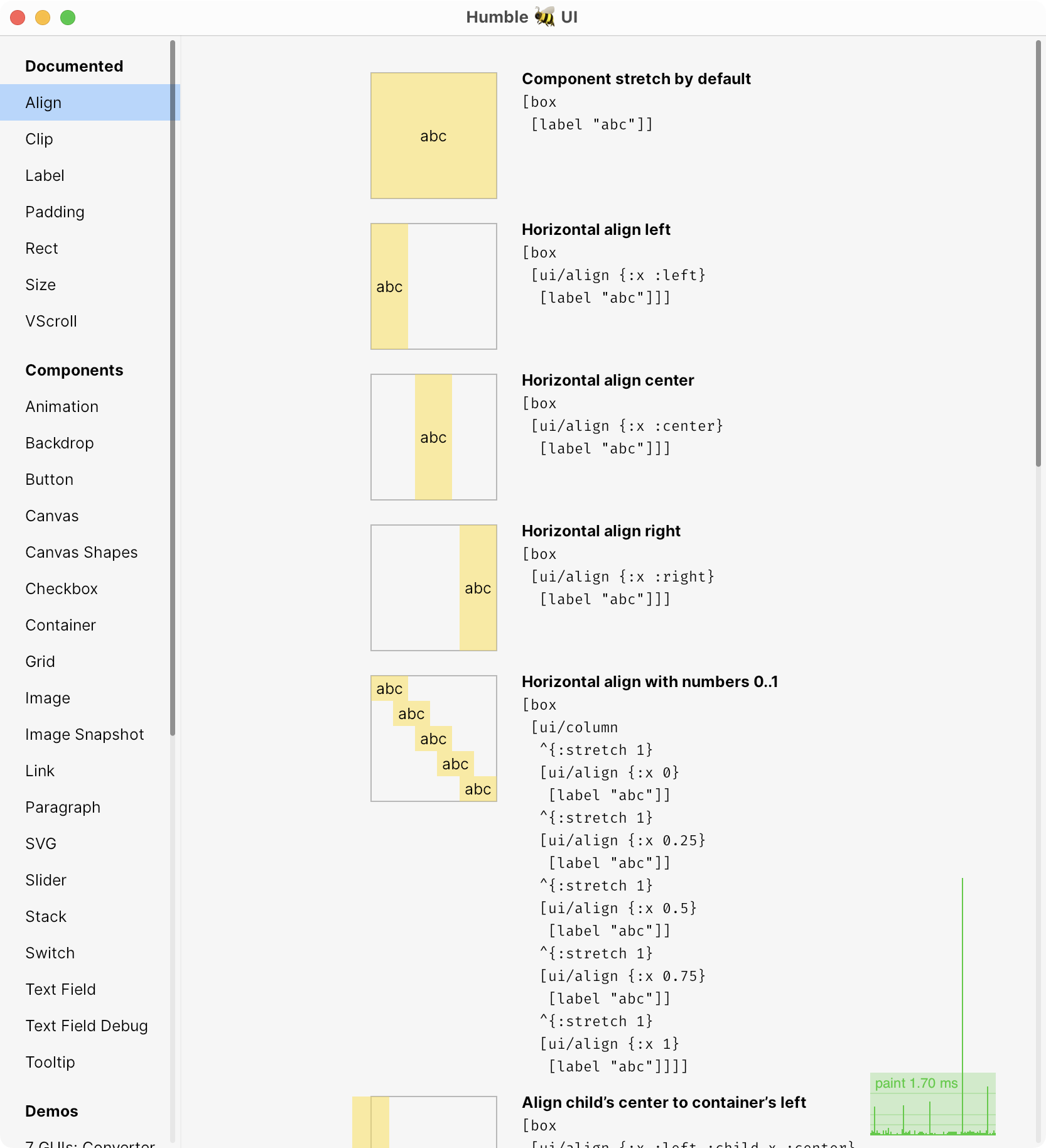
But, looking at the examples (picked the Wordle one since I know that game): https://github.com/HumbleUI/HumbleUI/blob/main/dev/examples/...
I find it extremely hard to read. Even small snippets, say line 56 to 74 which define this "color", "merge-colors" and "colors"... then the "field" one lines 76 to 117 is even harder.
is it more natural read for people familiar with writing functional programs? (am I permanently "broken" due to my familiarity with imperative programing?)
I wonder what the same Wordle example would look like in, say pure Flutter.
Also wonder how would that code look with external dependencies (say hitting a server to get the word of the day), and navigation (with maintaining state in between those pages)
As just one person who has written a great deal of functional code, it reads well to me. I think because I am used to reading it "inside out"? Reading lisp-likes is probably helpful.
Take 'color' for example. It opens with a 'cond', with three branches. First branch is if the idx-th position in word is the same as letter, return green. Second branch is if the word includes the latter at all, yellow. Otherwise we're grey.
That took me a few seconds to grok. Just one anecdote for you. Don't think you're broken but reading/writing this kind of code even a little bit will change the way you see code IMO.
    def color(word, letter, idx):
        if word[idx] == letter:
            return GREEN
        elif letter in word:
            return YELLOW
        else:
            return GREY
This is a tangent, but I've been thinking about how I feel when the conditions of an if-else ladder rely on the order they're listed in.
This is an example; if you swapped the order of those branches around, the coloration would become incorrect.
I'm a little happier when the conditions are described completely, such that swapping the order of the checks doesn't change which of them evaluate false or true, but it's also true that that can add quite a bit of complexity over an order-sensitive set of conditions.
Thoughts?
I can tell you that this code is very easy to read if you are familiar with Clojure. In fact, this example is lovely! Seeing this code really makes me wanting to try this library! Clojure has this terse, yet readable aesthetic that I like a lot.
But I completely understand you because at some point Clojure code also looked alien to me. You are not broken for having familiarity with some style of code. Familiarity is something you can acquire at any time, and then this code will be easy to read.
True hard-to-read code is one that is hard to understand even if you master the language it is written in.
I think you make a great point, a point that once someone has gotten used to lisp, is harder to fully appreciate. I’m at the stage now in my lisp journey that i didn’t find those hard to read but it wasn’t that long ago that i felt almost nerd sniped by this weird language. I think it’s worth pointing out that in a more advanced example, I’d still have been comfortable because of the repl - I could navigate between each sub expression with a keystroke and I can send each to the repl with a keystroke and see what they do. Lisp really makes it easy to do this kind of bottom-up assembly - both when you’re writing and when you’re understanding someone else’s code.
A corollary to that, and which was key to me falling in love with lisps, is that the signal-to-noise ratio is off the charts. Whatever you want to implement, probably doesn’t require a lot of code. Wordle in 189 lines is pretty decent. There’s just less to fit in your head and what’s there tends to be solving the problem at hand, not boiler plate.
If you know Clojure, the code presented in the example seems fairly straightforward. Parentheses demarcate the syntax tree; and the last expression in any tree is the result carried forward.
Examples include cond, let [{:keys ...}], for being a list comprehension rather than a loop, #(%) function literals, and @ deref.
* The cond macro which works similarly to C switch
* Hashmap functions like merge and merge-with
* Destructuring
* The for macro which is similar to the "for each in" statements
None of these are something unfamiliar to common programming languages so that code will not be hard understand once you go over the initial syntax and idiom hump. The syntax makes things much easier once you get to used to it, I think all Clojure programmers like it.
I avoided Clojure for nearly 15 years because I thought so too.
Turned out I spoke English and couldn't read Russian. But that didn't mean Russian was unreadable—I just didn't know how. It had nothing to do with whether or not it was "readable" or not, it was easy to read (and understand) once I learned how.
After about two weeks, I found reading Clojure to be just as easy as any other code. I did that at 46, so I don't think age is a major barrier. (I've written read and written code my entire life.)
I'm now writing Clojure code every day and am much happier as a developer. (That's why I made the effort initially, and it definitely paid off.)
One thing that really helped was asking ChatGPT or Claude to explain a piece of Clojure code to me, when I had questions. Especially early on, that was invaluable.
Also, learning structured code editing made a big difference—I consider it to be essential. It was extremely frustrating until I spent an afternoon doing that.
Clojure code is "read" differently than, say, Python or JavaScript or C and that's reflected in how you navigate and edit the code.
YMMV
External dependencies you manage like in most other applications nowadays, you don't hit external services in the "guts" of your code unless you really need to, for performance, testability and to keep the less reliable parts of your code isolated, you keep the interactions with external services as close to the "main" of the application as you can.
When things break down is with more complex data models of the application, not even as much because of the language itself but because Clojure programmers actively reject using record types and interfaces, and just pass dictionaries around. You wind up with some code that, bafflingly, gives the impression of being very simple and neat, but you can't tell what it's actually doing.
When reading lisp code, you navigate it like a tree. Indention matters and clean lisp code has the same indention level for all sibling nodes (with minor deviations for special constructs). Most code follows the pattern of defining "variable" bindings (e.g. via `let`) and then it has one final expression that uses all these bindings to calculate a value.
  (defn name-of-a-function-that-i-define [first-argument second-argument]
    (let [sum-of-some-numbers (+ 1 2 3)
          product-of-some-numbers (* 1 2 3)]
      (+ first-argument
         second-argument
         sum-of-some-numbers
product-of-some-numbers)))Also,
(apply merge-with {} ...)
And unfortunately, you won't get much compiler assistance either with Clojure, beyond basic things. So it's easy to have bugs that will take a while to track down in a complex codebase.
- Clojure has strong type inference, catching many errors at compile-time.
- The REPL provides immediate feedback and testing capabilities.
- Clojure's immutability and functional paradigms reduce bug-prone code.
- Tools like core.spec offer runtime type checking and data validation.
- IDEs like Cursive provide advanced static analysis and refactoring support.
- Clojure's simplicity and consistency make bugs easier to spot and fix.
- You also completely ignoring Clojure's rich ecosystem of testing frameworks and tools.
Perhaps you've done it wrong? To read any Lisp code one needs a REPL. And you don't typically type directly in it, you connect to it and eval things from source files. Once you get connected to a REPL, you can eval any expression and sub-expression, and with practice, you'd learn to grok the code without a REPL.
And for writing Lisp, you only need structural editing support in your editor. Once you find basic commands - moving structures around is far more enjoyable process than writing things in an unstructured language.
I am far more productive using Clojure instead of Java and Clojurescript instead of Javascript, Fennel instead of Lua, etc. - it's easier to read, easier to modify, easier to maintain. But, yeah, it does require some practice, just like any other skill.
I think it’s just a familiarity thing. Clojure is different from most languages in that it’s a lisp and it’s immutable-first functional. That gives it a bit of a learning curve compared to other languages, but I find other simpler languages quite dificulte to read until I’m familiar with them, too.
Having a bit of Lisp experience (really not a lot), I find it very easy and elegant to read.
> is it more natural read for people familiar with writing functional programs? (am I permanently "broken" due to my familiarity with imperative programing?)
No, most people who say something like this are simply unwilling to invest an evening into a language they're not already familiar with.
Try this with ChatGPT, Claude or Gemini. All LLM's are really good with this translation tasks
I don't use Clojure professionally, but I've spent years using the language personally. It might be hard to believe, but it really is beautiful once you learn it, and extremely powerful as well.
One thing to add to what others have said, when you're met with code like this in the wild and you need to modify/add/remove something but don't have a 100% understanding yet, the common workflow is that you explore this code with your "evaluator" (basically a REPL connected to your editor).
So if you come across snippets of code you don't understand very well, you place your cursor at the various forms and execute them. So you'll start at the inner forms, and slowly work your way outwards, and after that you've verified assumptions both about the function's internal workings and how you'll use it from the outside.
Native is what doesn't run in an emulator, in this case everything non-Electron fits the definition.
MacOS is a close second, with a few native apps that can't decide exactly what a checkbox or a button should look like.
And Win10 on my wife's machine is a salad, reminding me of Linux desktop experience from 1998.
I feel like it's mostly consumers who ask for native look, and particular users on macOS, as almost all other professional-oriented software doesn't offer that. But yet it comes up for every GUI toolkit that lands on the HN frontpage.
I don't even think native macOS UI is so great cross-plat programs should target it. It's full of its own weird conventions like a "New item" button being a tiny "+" at the bottom of the left sidebar, the last place I always look.
Safari is an example of UX that has stuck to hard macOS conventions and was always worse off for it. Not until recently did it begin relenting, and now it's bearable to use as a daily driver. Xcode is another classic example of hostile native macOS UX conventions. Finder.app is another.
I'd rather software ask "what's the UX that makes the most sense?" rather than "how can I make my UI look native?" On HN people seem to think by solving the latter, you solve the former. But that isn't the case.
There are two types of apps: 1. the ones that professionals use and 2. the ones that consumers use.
for 1. they don't care if it looks native, as long as it works and is performant e.g. DAWs, Video Editing tools, Trading, etc.
2. likewise I don't think it matters that much.
my guess is the myth came from OS makers.
Moreover, web UIs tend to be less sophisticated and less power user friendly, due to HTML/CSS and browser API limitations. This unfortunately often carries over even to non-browser-based applications that however use a web-like UI.
- buttons are labeled and placed correctly, and respond to expected input (including secondary focus and secondary action on MacOS, for example)
- dropdowns/selects behave correctly, and respond to expected input (for example, you can type to select in MacOS dropdowns).
- windows have OS-defined areas for drag/resize, for titles, for toolbars etc. They also appear correctly in the OS's window management tools (app switchers etc.)
- text inputs use the OS-default shortcuts and have access to OS-provided tools (e.g. spell checker)
- controls and windows respond correctly to keyboard and mouse. E.g. for a while Apple's own Catalyst apps didn't have the standard Cmd+Q to close the app. Many custom modals do not dismiss the modal on Escape
- context menus are standard in the places where you expect standard context menus. Well, app menus, too.
And the list just goes on and on.
I don’t care if things look native, however I am actively repulsed by modern web design trends.
There are a lot of assumptions baked in that aren't holding up today.
For example, high density and multi monitor aren't well supported. There's a bunch of stuff hard-coded in the JDK that no longer makes sense and you have to hack around.
Besides - Clojure is not JVM-only, Clojure is a hosted language, it can work a top of different platforms: JS engine - Clojurescript; Flutter - ClojureDart; Native Code scripting - Babashka; NodeJS - nbb; .Net - Clojure CLR; Fennel even though technically is not a Clojure, is a lovely little language very similar to it and it works on Lua. There's also jank-lang, currently in development that works on top of LLVM. There are a bunch of other Clojure dialects - for Rust, Go, Python, Erlang, etc.
I sincerely want to know what I am missing, because the fact that Clojure is hosted on the JVM (mainly) seems like a plus to me.
I don't much like the build tools in the jvm environment such as maven or gradle, and the error messages could be better for sure. Is there more ugliness that I should look into?
> People prefer native apps to web apps
> Java has “UI curse”: Looked bad
to be at odds with this aspect of the design:
> No goal to look native
> Leverage Skia
"Java has UI curse" is referring to how when Java tries to imitate native UI (note the difference to "native app", which is in contrast to a web app), it fails and hits the uncanny valley. No-one likes it.
Given that, it's not a contradiction to have a native app, that does not try to use the native GUI toolkit of the host platform, using Skia directly to draw UI elements.
The README also suggests that the reason why people prefer native apps isn’t just the UI’s aesthetics, but:
> Normal shortcuts, icon, its own window, file system access, notifications, OS integrations
I will say I've found Clojure to be a success story for doing GUI work. Projects like Dave Ray's seesaw (https://github.com/clj-commons/seesaw) are an amazing demo of how one man can rearchitect an API like Swing into something that is deceptively fun to use. High hopes that this project goes somewhere that is similarly enjoyable.
Work in progress. No docs, and everything changes every day.http://groovy-lang.org/dsls.html#swingbuilder https://github.com/scala/scala-swing
https://s.tonsky.me/share/Screenshot%202024-08-27%20at%2017....
Like, honest question, I do agree with most of their points and don’t think they’re presenting them in a too harsh way
Per the other comment, might do less dunking