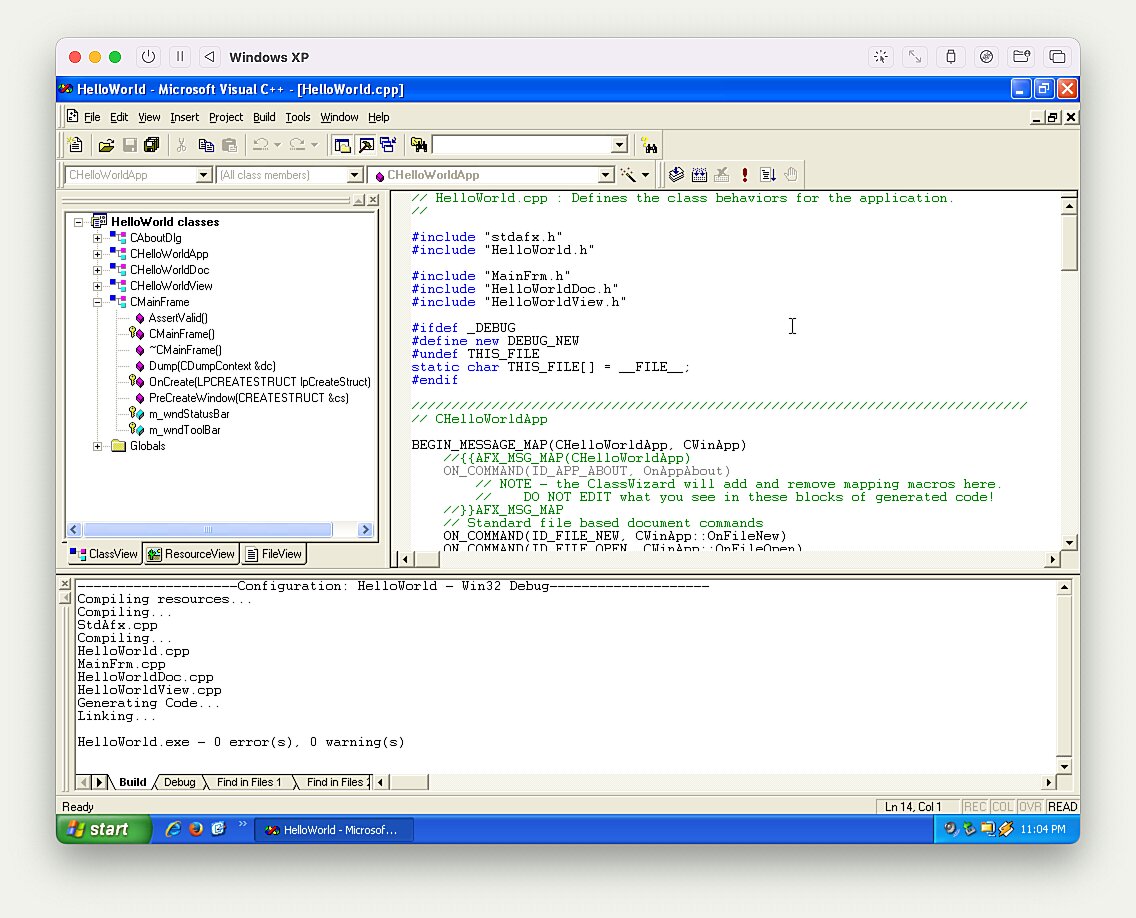
[0] https://milen.me/images/writings/windows-xp-on-macos-arm64/v...
What's even funnier is mIRC, though. Unlike Winamp, mIRC is still actively developed and it still looks more or less exactly like it did back in the Windows 3.1 days.
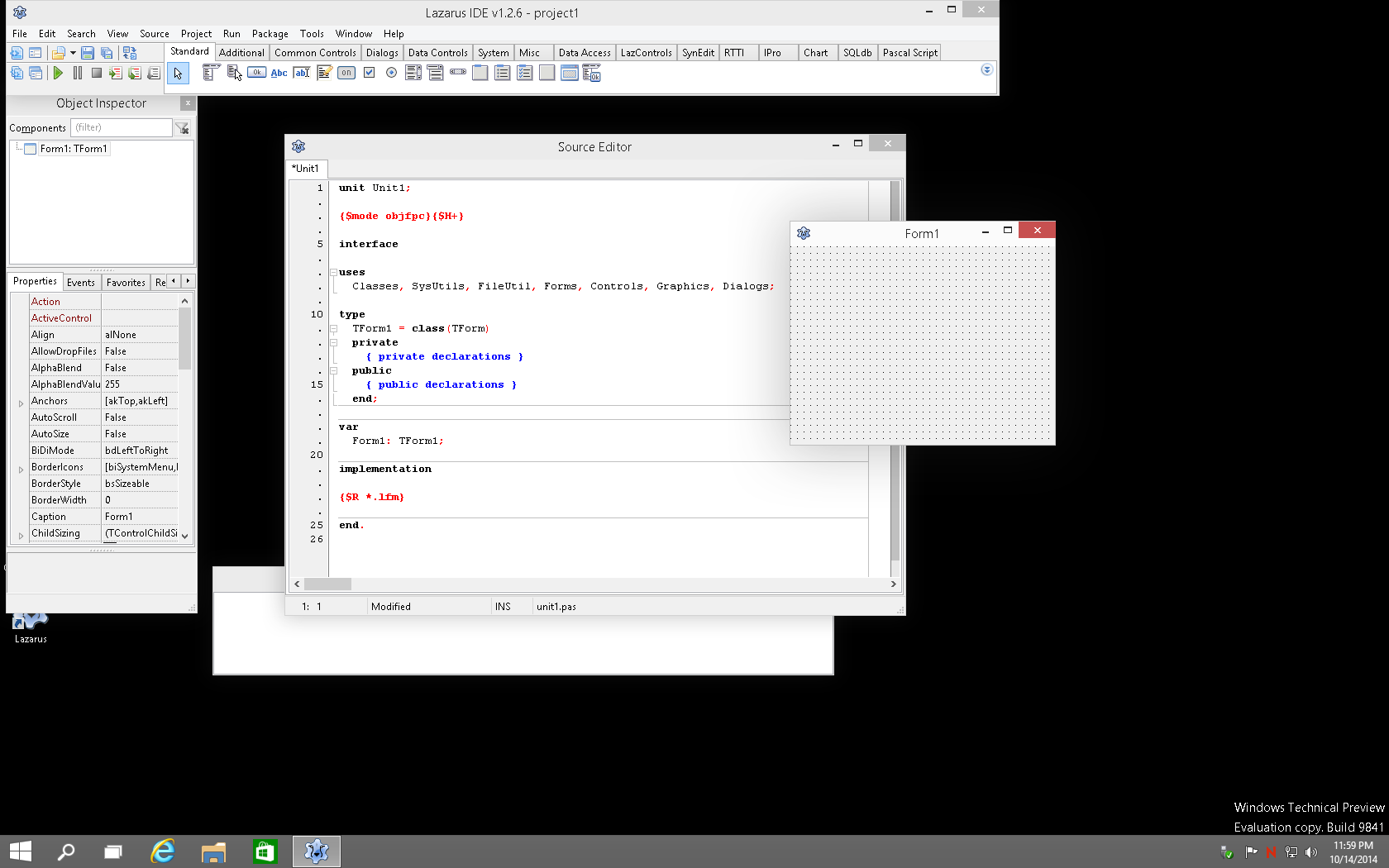
https://wiki.lazarus.freepascal.org/images/5/5d/Windows_10.p...
and classical on Windows Classic:
You could put it inline with other toolbars so it didn't waste vertical space. The full menu was very discoverable, like a table of contents for a featureful app. It could even be hidden completely if wanted.
None of the newer designs—obliterate in favor of titlebar buttons, or hamburger, are a such a great combo of power and friendliness. The traditional permanent menu is not very flexible.
The first place I saw both fixed toolbars and hamburger menus in desktop apps I think was probably in Chrome, which due to its popularity no doubt had a strong normalizing effect on both.
Is this true when running non-MacOS? A lot of the things that make a system blow through battery are OS-related things. XP wasn't exactly designed with battery life in mind.
I think I'm not as fond of XP's UI as I am fond of the early NT UI as a whole. The UI was relatively the stable from 95 to Windows 7 with the classic theme. I adore this UI and I'm glad to see it still carries on in modern projects like SerenityOS.
But at the same time, we have high DPI displays now and the classic UI doesn't scale well, so I'm happier to have a flat high res UI than a tiny classic UI these days.
The sheer history and depth of the Win32 library of programs is the reason Windows continues to be dominant in the desktop space.
Just the other week we had a thread about how Windows 11 will happily run Win32 programs from 30 years ago. Kudos to Microsoft, their dedication to backwards compatibility is exceptional.
You didn't. You used an emulator rather than a hypervisor, which is why it was slow.
For most use cases, running x86 Windows applications is much better either under ARM Windows 11 in a VM, or with a Wine-based solution. But if you really need an x86 Windows kernel running, it's going to be slow.
Try these emulators of previous Windows versions running in a web browser for something that'll definitely be slower than QEMU, but are surprisingly still not unusably slow; in fact, I suspect a lot of new corporate machines with the pre-installed spyware and other background stuff will feel slower:
https://news.ycombinator.com/item?id=24955706
On the other hand, in somewhat of a converse to your situation, I tried ARM Windows 11 in QEMU running under x86 emulation on a relatively new (2 years) machine, and it was an absolute slug. Installing took over an hour, booting to the desktop took 10-15 minutes, and right-clicking the start menu required a 10-second wait for it to appear (I dared not left-click, for the ad-filled monstrosity that summons would likely have taken far longer to appear.) Even the "modern" Task Manager took most of a minute to show up, and then continued to consume 60-70% CPU when "idle".
Edit: care to give some counterarguments?
There seem to be ways to use Rosetta2 inside a VM [0] to then translate binaries but I found no official support or documentation (using UTM+QEMU that was), this would be such a cool feature, at least there are discussions about it [1,2]
- [0] https://mybyways.com/blog/using-rosetta-in-a-utm-linux-vm-wi...
https://www.nocentino.com/posts/2023-01-02-running-sql-serve...
Then from SerenityOS FAQ:
> Where are the ISO images?
> There are no ISO images. This project does not cater to non-technical users.
Not that its impossible but from their project info it requires a bit of effort to read the docs and compile the project assuming everything goes alright without hitches.
Having said that I would gladly watch some SerenityOS based content. Maybe NCommander wrecking his brains while trying to build and port something to this OS? Would be cool.
You're obviously not obligated, but I'd encourage you to try building it if you're interested!
It works really well.
Yeah, I've run into the same issue with Win7 x64 recently. None of the QEMU guest utility drivers is running on Windows at the moment - I have no idea why.
But dark clouds are on horizon... What to choose? I cannot find good replacemenent.
Recently I tried haiku on VM and found 3 bugs right away :(