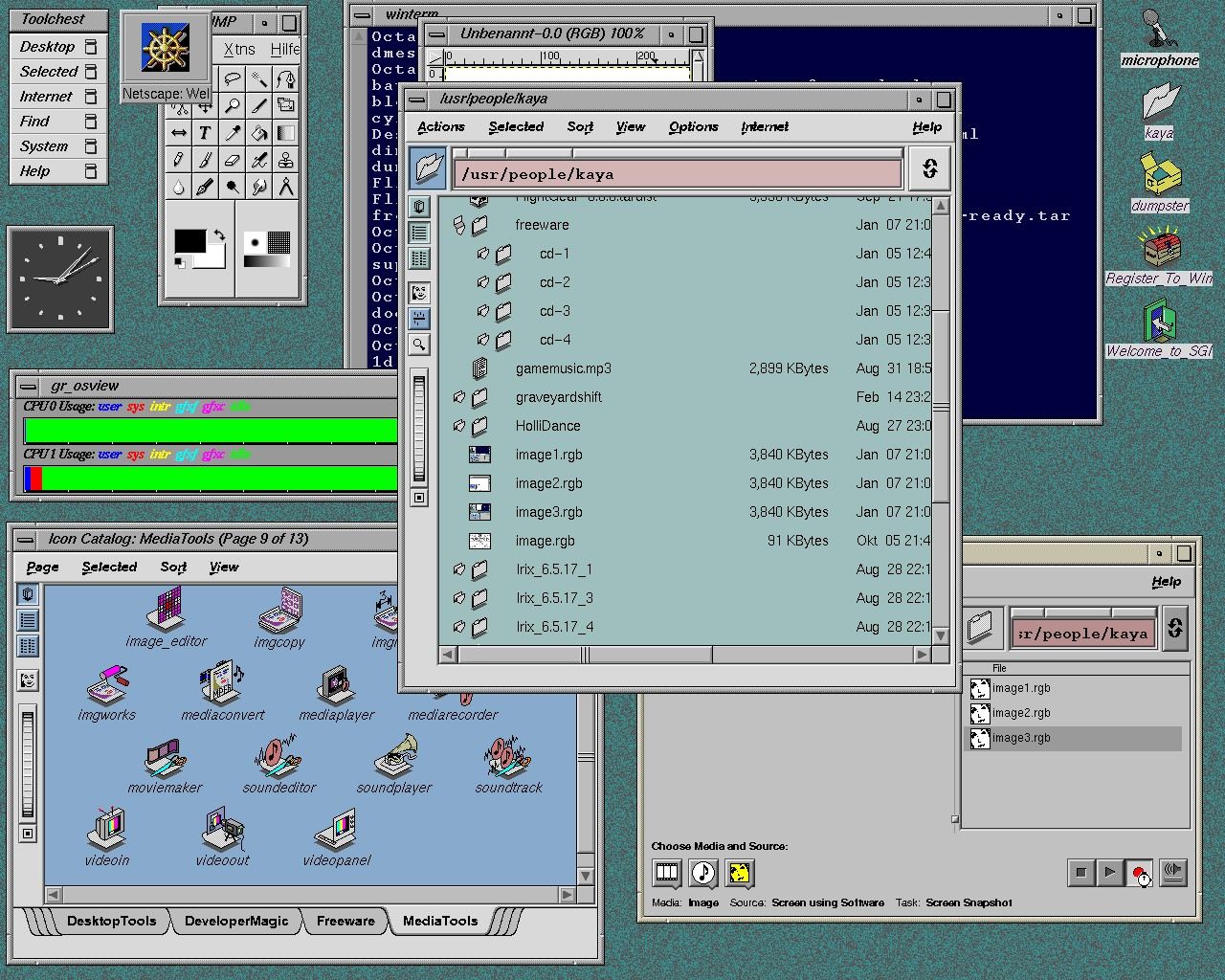
On macOS, there's a concept called "Proxy Icons". These are little icons that are shown in a title bar of a document-based applications (e.g. "[ICON] My File.txt"). You can interact with these icons as if they are an actual file on the disk.
For example, you have "My File.txt" open in TextEdit, and you want to reference them in Terminal, you can just drag the icon into Terminal.app window and it will resolve the full path. Or you're editing the file, but realized you need to make a copy of that file before making changes, you can alt-drag on the icon and copy it elsewhere. Or you're working on a file and want to navigate to the containing directory, you can right click on the proxy icon and it will show the full hierarchy for navigation, etc.
This is something I missed quite a lot when using other OSes.