But the main issue with the Kindles was not being able to read PDF (technical books, technical articles), and I dreamed about the DX when it was available only in US, and I also did not have money to buy one. After I moved to US 13 years ago, the DX version was out of shelves. So, pretty excited to give Scribe a try!
I've owned probably 10+ kindles, including the DX, and I think its honestly the bit of technology I used _the most_ outside of my iPhone.
Just to give you some context as a counterexample, I often need to read 10-50 pages of dense, size 10, double column scientific PDFs with many graphs and figures. These documents, which are typically either A4 or letter size, look abysmal at nearly any scale <90%. Color is also regularly required to parse many graphs properly.
I use my Kindle exclusively for reading documents which are primarily lightly-formatted text (e.g. novels, textbooks, etc) but it's atrocious for PDFs. When needed, I switch to an iPad Pro that I use exclusively for reading (and annotating) these PDFs, which is likewise horrible for reading "regular" text.
Now I read manga on iPad, and use the paperwhite for books only
I already have the Gen 11 Paperwhite (SE), and I'm blown away by the upgraded display quality even from the Gen 10. The warm colour is for me a night and day upgrade for, sorry, night time reading - also, the extra size really helps as well.
In addition to reading technical books (which is possible on the Gen 11 PW - much easier than on the 10) I really like the idea of being able to organise my thoughts in a more distraction free environment. 300ppi at that size will be pretty sensational.
In addition to that, writing heuristics to try and make it possible to unify the experience of reading any arbitrary PDF is such a quagmire/shitshow that basically no one is willing to step up and try to make it possible.
https://goodereader.com/blog/reviews/supernote-a5x-digital-n...
And, direct access to the Amazon library is not an insignificant advantage.
A laptop can be a source of distraction during lectures, and paper isn't as easily searchable.
My favorite feature was actually simple: I don't have to erase everything to rearrange the layout of my notes. Being able to simply select a portion of the page, resize, and move it was killer. Another great feature is simply not having to lug separate notebooks around. The ability to organize and sort documents was very helpful.
Amazon could score an easy win and force a lot of Boox owners into their direction by getting an import ban on Onyx devices.
The O’Reilly learning app works great, too.
Drawing functionality is as good as the current state of eink screens.
Pretty sure I wouldn’t want to lock myself into the Amazon content ecosystem ever again.
I'm starting to notice the battery on my Boox doesn't last as long as it used to, so I'll probably replace it with a Kindle.
I got the Ratta Heart of Metal Pen to use with my boox, and it's a really nice writing experience, and I don't have to replace tips (I found the boox tip didn't last very long). Just added a screen protector and it's been great. https://supernote.com/products/heart-of-metal-pen
With the arrival of the Paperwhite Signature Edition I'm wondering if Amazon is going to phase out the Oasis line entirely, just as they did with Voyage. It can't be selling that well as virtually every feature is now as good or better on the Paperwhite line.
I can check out a book from the library on my phone and have it appear wirelessly on my Kindle moments later. Last I checked all non-Kindle devices require you to basically download an .epub file onto your computer and then sideload it with a cable to check out a library book, which is too much hassle for something I do several times a week.
How so? I have a Remarkable 2 (pre-cloud subscription) and really like it. What happened for you?
Only thing I don't like is swipe to turn page is not great.
Smart strategy.
I waited for the reMarkable 2 to get better, but it just gotten worse and all it offered was an under powered and non-upgradeable and laughable 8GB of maximum storage + a cloud storage subscription for more storage.
The Kindle Scribe already starts with 16GB and is cheaper than the reMarkable 2 with the equivalent accessories coming with it. I guess the one that can actually deliver a proper e-ink tablet that just works, it would be unsurprisingly Amazon, hence why it is already an immediate best seller.
I'll wait until whoever releases a color E-ink tablet, something that the reMarkable 2 has failed to deliver on, despite some early competitors already selling them but support and features from them isn't going to be as good as Amazon's.
The Amazon blurb around this
> Get access to your notebooks through the Kindle app sync feature (coming early 2023).
Suggests some kindle app will be required, I just hope you can do stuff like export to images/svgs or PDF
This seems like a better option to me.... stll not "user ready", but shows promise, and not a lot more expensive.
(not affiliated, just really like the idea)
It’s a real shame that the e-ink tablet space is so pricey at the moment. I’m in the UK so recent events haven’t helped.
Boox seems to be the leader with tons of different products (looked at remarkable, supernote, kobo, Boox).
I wish apple would make an e ink tablet - I would buy that in an instant.
I want to be able to mark up anything and share it - epub, pdf, mobi, etc.
I'd also love a large, high refresh rate, color e ink monitor for coding.
Pre-ordered a Kindle Scribe, so I'll have 3 devices w/ Wacom styluses (also a Galaxy Note 10+ and the afore-mentioned Galaxy Book 12), one of which will work in direct sunlight.
Surprised that there wasn't any mention of the availability of maps for the Kindle Scribe.
While I'd like to see nifty features such as:
- use as a second display - use as a graphics tablet (while being used as a second display)
so long as it works as:
- an ebook reader - one can take notes - one can write out documents and transfer them (and notes) to a desktop (w/ or w/o handwriting recognition, hopefully w/)
I should be fine.
That said, I'd like to see Nebo.app or some equivalent for the Kindle Scribe.
I meant high refresh rate in context of eink screens today. I want a refresh rate nearly as good as a normal monitor (~120) but I'd be happy ~100 too. EInk seems to be anywhere from 15-70 (hard to pin this down) so still some work is needed.
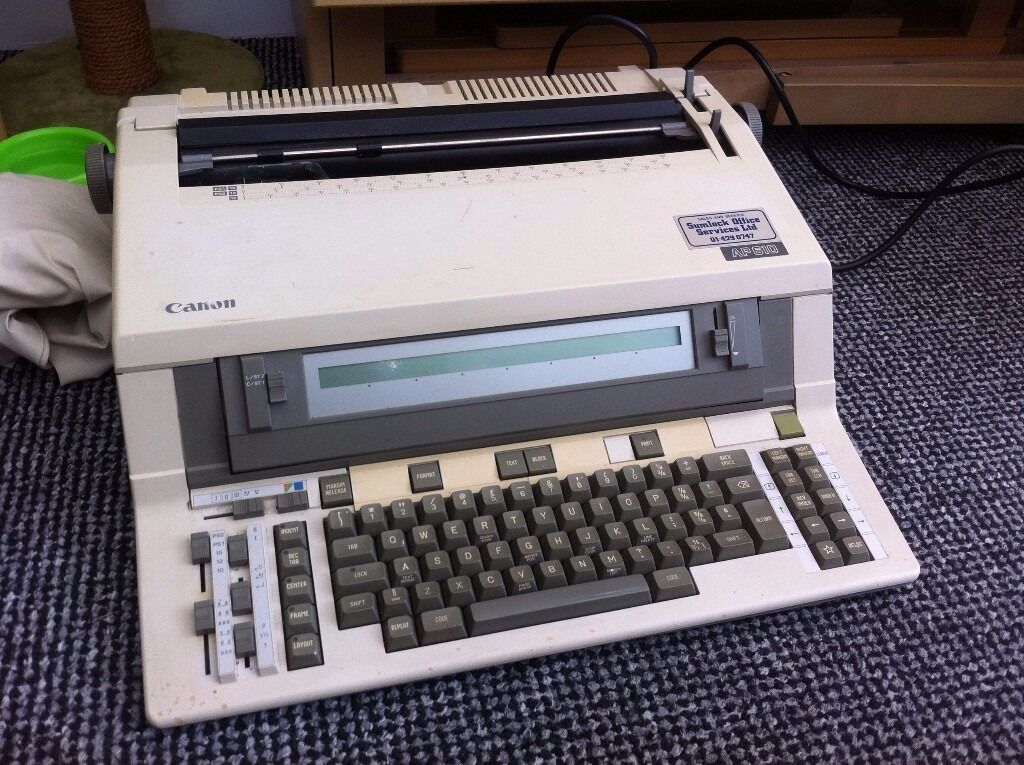
Like this, but instead of printing your finished line to paper it "prints" to e-ink:
https://i.ebayimg.com/00/s/NzY1WDEwMjQ=/z/IA8AAOSwQ59ZZBmO/$...
But, you know, not huge.
I went through a succession of Kindles and the recent ones have not buttons but I find that I don’t really miss them. A simple tap of my thumb on the nearest edge of the screen works just as well.
I wonder what’s the response rate for the pen as it ultimately decides the utility of this device as a notebook
If Scribe is 70ppi sharper and is as fast as Supernote, it’s a very compelling device.
If it allows to annotate PDF and has decent OCR without some cloud/SaaS bs (or it’s baked into Amazon Prime), then it’s a no-brainer for me.
Also, if you already have a huge Kindle library, makes little sense to change reader and lose it
And there are ways to convert your library so you don't have to make the same mistake twice.
In terms of cost, I was hoping for something maybe $200. At $400 it's getting close to a relatively good tablet or even a usable laptop.
I love my Boox so much. And the Remarkable has a lot of potential and is a beautifully designed device. But if anyone is going to be able to make this category more mainstream, it is Amazon. Also looking forward to the hacks that will come to it if there are enough users.
Pros:
+ Excellent note taking with tons of cool features. I can also sync with Dropbox etc.
+ Great to write notes on book margins. PDFs + notations are great as well.
+ Libby + VÖBB library card is awesome. I can get tons of free eBooks and audiobooks from any library for which I've a card.
+ It's basically an Android tablet and I can do a lot of things like use KoReader or Bitwarden.
+ Great eReader as well. It's great to read books on a large eInk pad.
+ Kindle is just another app, turns it into a Kindle right away.
+ I can use it as drawing board and doodle on it during zoom meetings.
+ I can use it in split mode. like read a book and open notes on the side. Don't use it that often though.
Cons:
- Refresh rate is slow, non-reading activities are hard like YT
- Internet browsing exp is subpar, so I keep going back to my phone for doomscrolling.
- Chinese company that doesn't respect GPL.
- Weird navigation patterns, like swipe up on the bottom right to go back, WTF?
The design is reminiscent of the Kindle Oasis which is IPX8, their other premium offering is the Paperwhite which is also IPX8. The Scribe costs more and isn't water proof. I can't imagine what about the digitzer makes it unable to be waterproof, unless Amazon just thought it wasn't worth it.