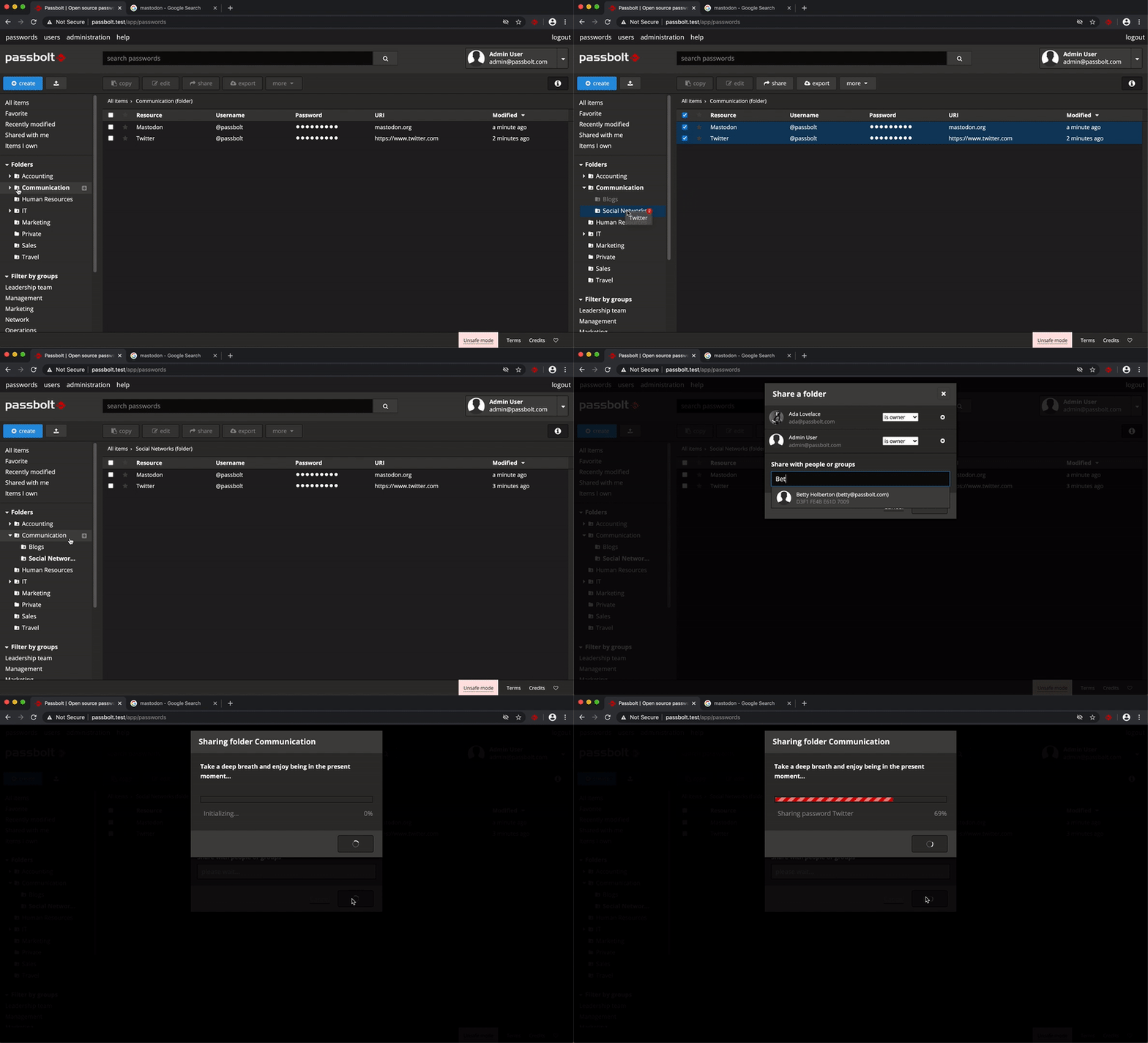
- free open source
  - group management can be delegated
  - works fine with mac, linux & windows browsers
  - maintenance free self hosted on k8s for 2 years
  - lack of mobile apps has not been issue
  - UX is ok, no complaints
- requires little end-user support - only password field is encrypted
- no warning that Notes are not encrypted
- promises ‘Secure files & notes (Coming soon)’
for more than year
- password generator has no complexity options
- requires browser plugin
- user passwords have no minimum entropy requirements
- no helm chart, used our own
Noticed that former lead developer https://github.com/markstory now works on Sentry. Sentry has same list of Pros as above: it ’just works’ without maintenance or support, running self hosted on k8s for free.
Why hasn't it been an issue? How do I access my passwords with Passbolt on my mobile device when I'm offline?
Passwords for personal Company accounts, like Active Directory & passbolt private key, we store in our private password manager. These accounts get disabled when leaving the company.
What use cases do you have where you can’t use a laptop for company related activities?
Having a migration tool, would make considering a migration much easier ;-). No immediate plans to migrate BTW.
  - free open source
  - teams management can be delegated
  - works fine with mac, linux & windows browsers
  - maintenance free self hosted on k8s for 2 years
  - lack of mobile apps has not been issue
  - UX is ok, no complaints
  - requires little end-user support
- It's still OSS, so you can self-host, which is a big selling point for me
- There's a managed/hosted option, which is a big selling point for probably most users
- It's got a browser plugin à la BitWarden/1Password, which is a crucial feature for any well-polished password manager (and hopefully it also comes with Android autofill integration)
Hopefully Passbolt, BitWarden and others can keep eachother on their toes and help this be an innovative and widely accessible space!
Expanding on that last point: I'm a huge fan of the general idea of having the option of self-hosting with a business model revolving around a paid, managed option, for password managers or otherwise.
Although I'm using the dockerized rust API (1) for self-hosting it, and so far it's been working great for months! I am keeping a close eye on the container, and backing up the data hourly to ensure I don't need to worry about loosing anything.
Does selfhosting with bitwarden_rs solve this ? or do i still need a subscription for storing 2FA tokens along with passwords ?
I have absolutely no problem paying once per major version for software, open source or not, but i refuse to pay any subscription. At least when buying a version i can choose to upgrade or not.
Meanwhile the standard Bitwarden backend needs SQL Server and demands to have 2GB of RAM. No idea how little you could actually get away with, but I’m confident won’t be 25MB.
My big recommendation is to backup the binary at the same time as your sql backup.
They've got a github sponsors link too FWIW.
Personal password managers are great unless you want to share a list of passwords in a group within an organization.
I switched from 1Password when all the subscription nonsense started, and while 1Password has (much) better integration in various systems (desktops and mobile), Pass does what it says, and it does it well.
I (briefly) evaluated Bitwarden, but the lack of support for storing 2FA tokens without a subscription threw me off. I'm aware of bitwarden_rs, which presumably supports 2FA tokens, but i've not yet had time to experiment with it. Besides, hosting a git repository is not exactly rocket science, and it's a much simpler setup compared to Bitwarden with database and server parts that needs to be running.
Especially considering the 4 hour SLA on phone support for the enterprise version. If the password management system is down, work stops. I'd rather not have to break the glass on the emergency god account at all.
Some people/teams/departments are busy with other things, so that amount is worth the cost of outsourcing a service such that the team members can focus on other things.
Also:
* why would anyone run RHEL when they can run CentOS? (The cost of a service being down is more than the support fee.)
* why would I go to a restaurant when I can cook a meal at home for much less?
* why would I pay for a car wash when a garden house and a sponge worth just as well?
Also also, you may want to actually check what the pricing is:
As I see it, the pricing starts at 9/month for 5 users, or free?
For my purchasing decision, I’d lean heavily on the probability the service will be there in 5 years (it’s obvious I’m getting older I guess), as the market seems pretty mature.
I don't have my notes any more, but off the top of my head, the big points in favor were:
- Self-hostable. The tech guy in charge just resolutely would not use any hosted service, period. In his evaluation, trusting a centralized password management service was less secure than a spreadsheet in a Windows share.
- Low cost. Password management is integrated into some MSP products but these can be a bit pricey for small shops.
- Built with PHP. Same guy was uncomfortable with Python, Node, and all that, and insisted that he be able to maintain and troubleshoot the codebase himself if necessary, so it had to be PHP.
The main failing was that it didn't have proper mobile device support, so it would be a pain in the ass for some of the employees.
As far as I know that same company still keeps their passwords in a spreadsheet. They've had several costly security incidents over the years.
Because of the password spreadsheet?
Now that's an interesting perspective, I don't think I've heard anyone consider PHP to be more secure than Python before.
Premise:
noun /ˈprɛmɪs/ LOGIC a previous statement or proposition from which another is inferred or follows as a conclusion. "if the premise is true, then the conclusion must be true" verb /prɪˈmʌɪz/ base an argument, theory, or undertaking on. "the reforms were premised on our findings"
Premises:
noun a house or building, together with its land and outbuildings, occupied by a business or considered in an official context. "the company has moved to new premises"
Which reminds me, I've been meaning to make a plain-text archiver for this -- to print out secrets and put them in my safe.
your house could burn down or someone might not be able to open your safe (easily).
pgp encrypt a message that gets sent to someone with instructions for how to access your things if you don't check in.
And is password sharing a good idea to begin with?
Any company that takes security seriously would, I suppose, have personal passwords as a strict requirement. They wouldn't use services that can't comply with this requirement.
Since, we were on Keybase already for employee identity and chat, we created an extension to encpass.sh to use Keybase for our secret storage. (https://github.com/plyint/encpass.sh/blob/master/extensions/...) It has been working really well so far, as when we add someone to a Keybase team, that person immediately has access to that team's secrets. No extra setup required.
> Half of the code base is there to make sure the other half is behaving.
Seems quite similar:
One of my teams shares passwords as well. We use KeePass over WebDAV. Works for us. I fail to see the market niche here.