The Wayland protocol apparently made some bold decisions to enforce security through isolation, and apart from the compositor it is all but impossible for anything to sneak a peak at what other programs are doing visually. It'll be interesting to see if that causes users a problem.
Once we've got an Ubuntu LTS and a RHEL/CentOS release out there with Wayland by default, X11 ought to rapidly become a thing of the past. There's Xwayland, but with any luck that'll become something you basically never use, just like happened with Xquartz.
I use Linux at work since 1999 and I have used a local display less than 1% of the time.
An application that does not work remotely does not exist for me.
Of course, the option is right there on the login screen to start an X session instead, if Wayland doesn't work for you.
You might need to find new ways to accomplish a few tasks, though. But I can attest it works.
Edit: fix desktop/compositor confusion
The only issue I had was Synaptic was crashing. Other than that I have fewer crashes and hangs on wayland compared to X
The answer is no.
Mir 0.28 landed just in time for 17.10, as a sibling linked. This version includes basic Wayland support.
A read over Mir/Spec [0] shows that though they don't want Wayland to be at the core of Mir, they want to be able to talk and integrate with it at a higher level.
It should be noted that Mir is only installed by default on Ubuntu Touch, and probably won't be integrated into the desktop by default until Unity8 is ready.
[0] https://wiki.ubuntu.com/Mir/Spec?action=show&redirect=MirSpe...
> Given that ifupdown is no longer installed by default, its commands will not be present: ifup and ifdown are thus unavailable, replaced by ip link set $device up and ip link set $device down.
Sad to see this go; I always use ifup, ifdown and ifconfig. Yes, they're old and clunky tools but in a way they are the staple of a proper Linux installation to me.
Not to mention that it's quite a handful to write out "ip link set $device up".
On a related note, I've been meaning to read this article from 2011 for a good while now: https://dougvitale.wordpress.com/2011/12/21/deprecated-linux...
I guess it's getting about time to get it done now :)
That's weird, they do two very different things. ifup and ifdown apply / unapply the configuration in /etc/network/interfaces, like setting IP addresses, setting routes, running other commands you might have like configuring card-specific hardware things or sending notifications to other processes, etc. ip link set dev $dev up/down only enables or disables the card. They also require the card to exist already, in the case of bridges or bonds or VLANs or similar things.
Does netplan cause all of these things to be done automatically when the card is upped or downed?
> ifconfig ... staple of a proper Linux installation to me.
To be honest, I have a lot of muscle memory for ifconfig because it's what I grew up with, but also Linux's ifconfig has gotten very different from the BSD ifconfig (or ifconfigs? I know FreeBSD's and macOS's support different things), so it's not like it was a standard tool across UNIXes, just a standard name. I'm honestly happier with the Linux tool having its own name.
Also, ip supports things that ifconfig straight-up doesn't, like having multiple IP addresses on an interface (without configuring alias interfaces), creating various types of virtual devices, creating VLANs without using an even more awful tool, getting card stats (ip -s -s link) in a vendor-neutral way, etc.
I do really really hate the ip command's syntax though.
Great idea number 1: let's put all the functionality into one command line tool, and we'call it ip for ... "internet protocol"? Why is this ip tool managing my ethernet network card?
Great idea number 2: for this powerful swiss army knife, only a special syntax will do where we repeat the name of an argument before the argument value. To make sure no one can use it's functionality with less than 5 invocations, we'll have a hierarchical help menu that literally outputs BNF.
For CLI tools I use every day, their etymology is far less important to me than their brevity. "ip" suits the bill quite nicely.
Yeah, the name-before-argument thing can be annoying though, but again, at least they're all short.
I've done this and similar for commands I'm all too familiar with from time to time if I find myself typing the wrong one (sometimes I mix up Windows and Linux shell commands, PowerShell has helped with this at least by supporting plenty of Linux commands).
To avoid the usual "systemd takes away all my toys" shitstorm? Does systemd-networkd fundamentally lack anything which netplan doesn't?
The Ubuntu Desktop now uses GNOME instead of Unity.
On supported systems, Wayland is now the default display server. The older display server is still available: just choose Ubuntu on Xorg from the cog on the log in screen.
GDM has replaced LightDM as the default display manager.
The login screen now uses virtual terminal 1 instead of virtual terminal 7.
Window control buttons are back on the right for the first time since 2010.
Python 2 is no longer installed by default. Python 3 has been updated to 3.6.
The Ubuntu GNOME flavor has been discontinued. If you are using Ubuntu GNOME, you will be upgraded to Ubuntu. Choose the Ubuntu session from the cog on the login screen if you would like the default Ubuntu experience.
Additionally, there are quite a few "Known issues" for Desktop that made me dare not to upgrade. I will stay with 16.04 and wait for 18.04 then.
I'm putting a lot of hope into 18.04. Been using Ubuntu for over a decade now and my happiness with it has been steadily decreasing. Mostly at this point due to very laggy graphics performance (whether using OSS or closed drivers) on a system that should be very fast.
If 18.04 isn't awesome I'm moving on to something else. So I'm glad to see they're breaking some eggs with 17.10!
And yes, it's nice and smooth.
Still use Windows for HTPC though because I gave up on trying to get Ubuntu to sync video playback correctly after banging my head against the wall for a while.
And so it begins. I think/hope that the next RHEL will do the same thing, at which point the final nail will be in Py2's coffin.
I would be surprised if they didn’t give any overlap between 2 and 3 in RHEL 8.
It's not the first time they've done this, they adopted SystemD instead of their own Upstart as soon as it was deemed the standard.
Installing "gnome-session" should provide the default GNOME desktop (the default GNOME is a heavily modified one). I have not upgraded yet, so have not tried, but read on OMGUbuntu.
Welp, seeya later.
I hope this move results in the same improvements coming to gnome. but I'm not upgrading for now.
I've been a rabid tiling WM user several years before. I'm liking the other benefits enough that I'm willing to let that go. Gnome developers are working on some sort of tiling support, so we might be able to enjoy that as well in the future.
Sadly after the switch to Wayland my pen tablet doesn't get picked up by most applications I use daily including Chrome, Firefox, VSCode, Kritta, Blender, etc. It's a real shame as Gnome/Wayland handles switching the tablet between monitors and multimonitor setups really well! Running Gnome on Xorg also isn't an option, it tends to crash a lot now...
I do get 2 cursors though which is interesting.
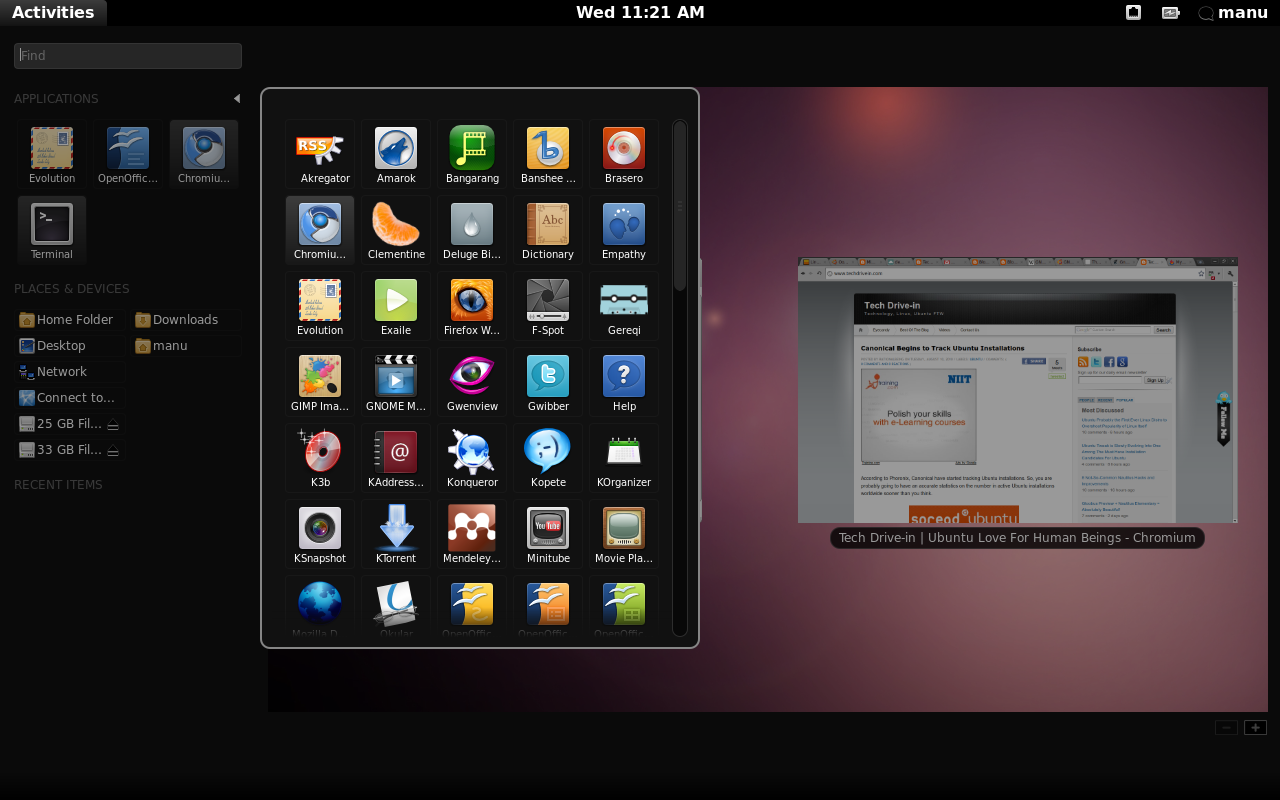
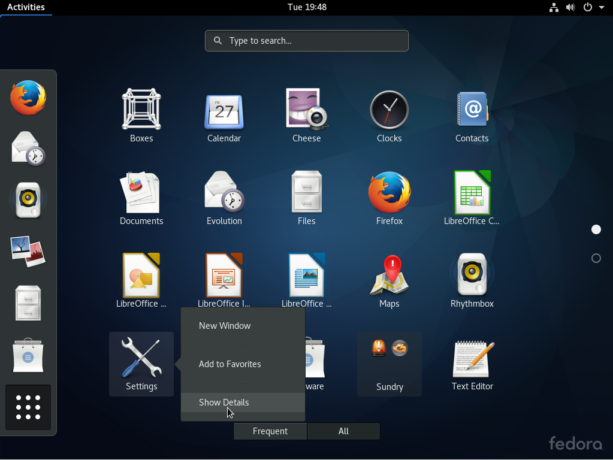
Gnome shell after the Unity release: http://linuxbsdos.com/wp-content/uploads/2016/11/fedora-gnom...
  - this is the first release supporting Surface devices out of the box (due the recent `linux-firmware` package)
  - people using PPA may have some troubles, since without tweaking, PPAs with obsolete keys are rejected
- ack grep is not included (yet?), due to build issues with perlArguably, a Surface device can work well as double device:
  - windows as tablet
  - linux for work, with minimalist hardware usage (no hw button, no pen, the SP4/SB have no camera support)
My personal favourite options for this mixed use are:
  - Surface Pro 3: better compatibility, and cheaper
  - Surface Book i5: fantastic tablet
Does anyone know to what extent these were pure engineering decisions vs. a scaling back of ambitions (and budget?) for the Ubuntu project as a whole?
With Ubuntu Phone officially dead, Canonical literally had nothing to gain by working outside the community, and had no good arguments for why they should keep on doing their own thing in these aspects.
It must have been a tough decision to make, but I'm sure it was the right one. It was widely applauded from the rest of the Linux-community.
So the whole Linux-on-the-desktop is extremely underfunded compared to any moderately serious enterprise project.
I like what ubuntu has done for linux use, but they seem really good at blowing money. Upstart, Mir, Unity, etc...
https://wiki.ubuntu.com/ArtfulAardvark/ReleaseNotesIt's too bad that gnupg 2.2 didn't make the cut, at least it will be in the upcoming LTS release.